
Support
Getting started with your MetaSensor
From unboxing to your first data stream in a few minutes.
-
1
Charge to wake it up
MetaSensors (MMR, MMRL, MMS) ship in sleep mode to save battery. Plug in the micro-USB cable to wake yours up, and charge for at least 40 minutes.
-
2
Connect with the app
Turn on Bluetooth and open the free MetaWear app. The first connection can take up to 40 seconds. Connect through the app, not your phone's Bluetooth settings.
-
3
Update the firmware
Keep your sensor on the latest firmware from inside the app, so you get the newest features and fixes.
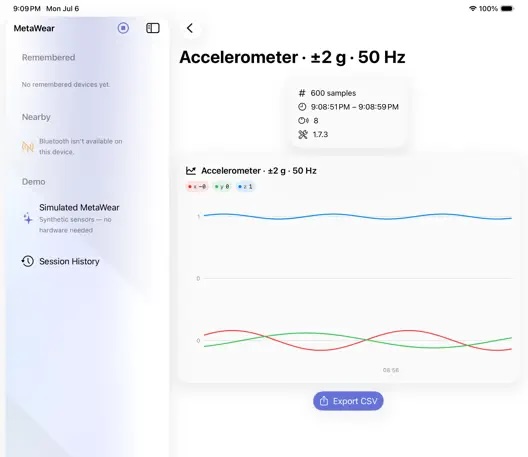
MetaWear for iOS
Configure sensors, stream and log data, and update firmware from your iPhone.
App StoreTutorials and docs
Step-by-step guides for the MMS and MMRL, plus the full API reference.
docs.mbientlab.comSomething not working?
Checklists, soft and hard resets, and warranty information.
Troubleshooting